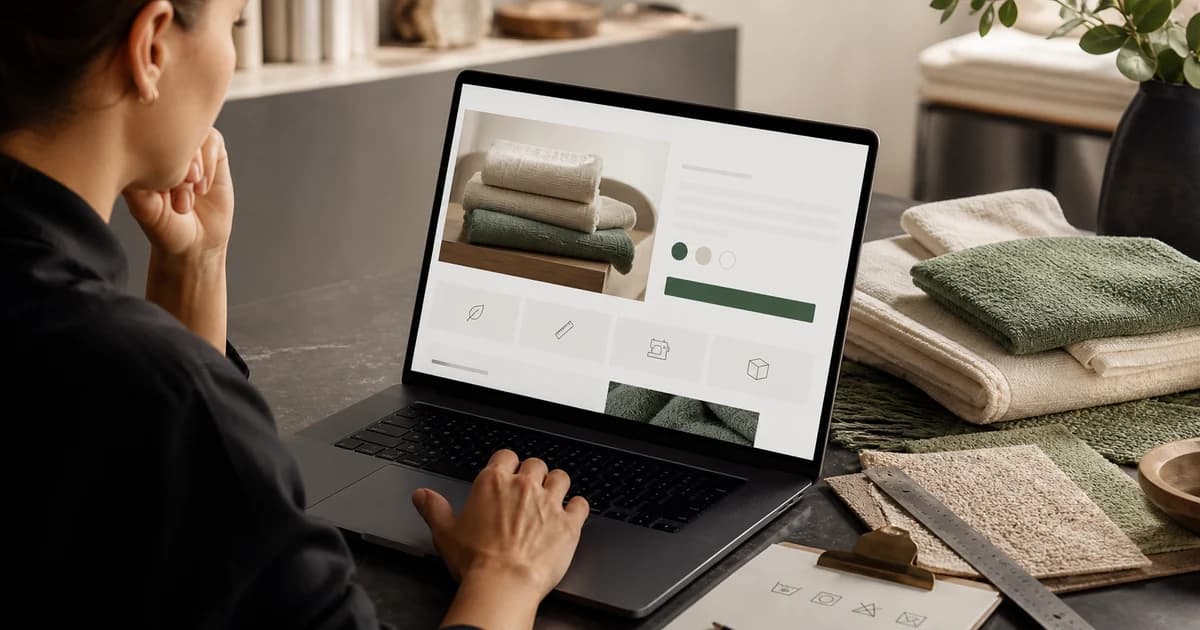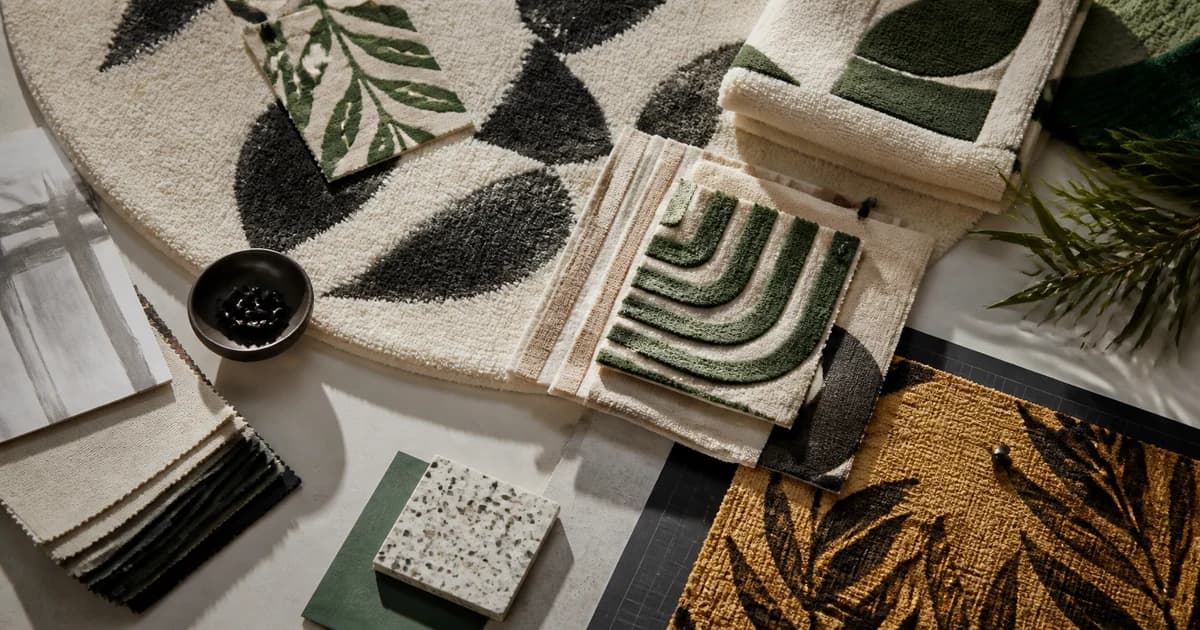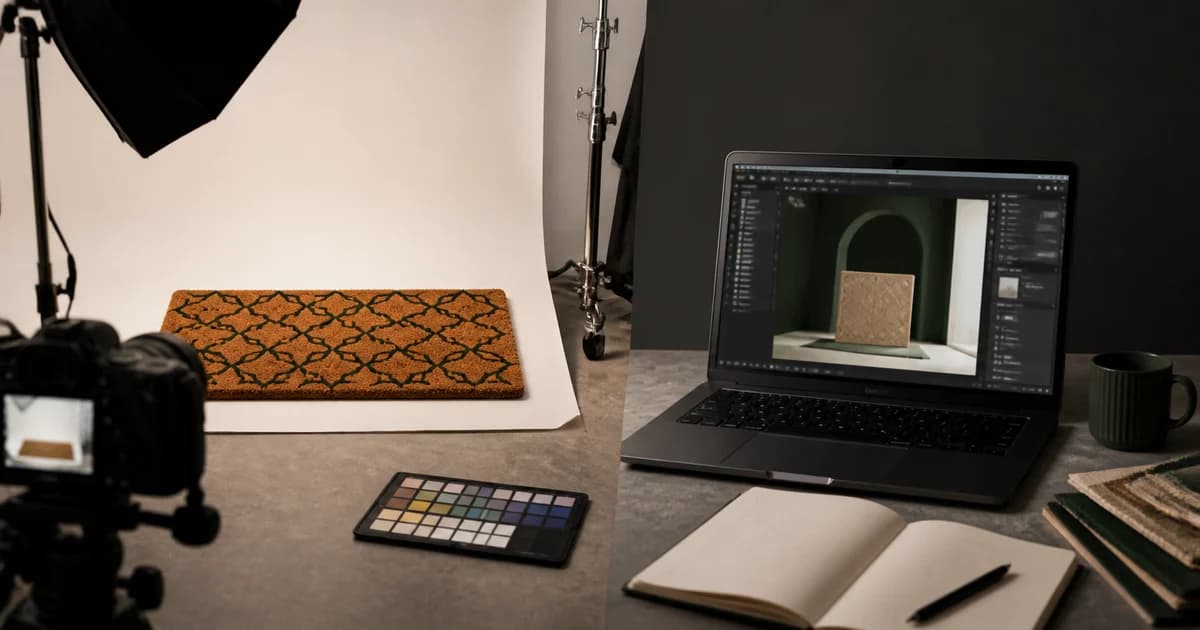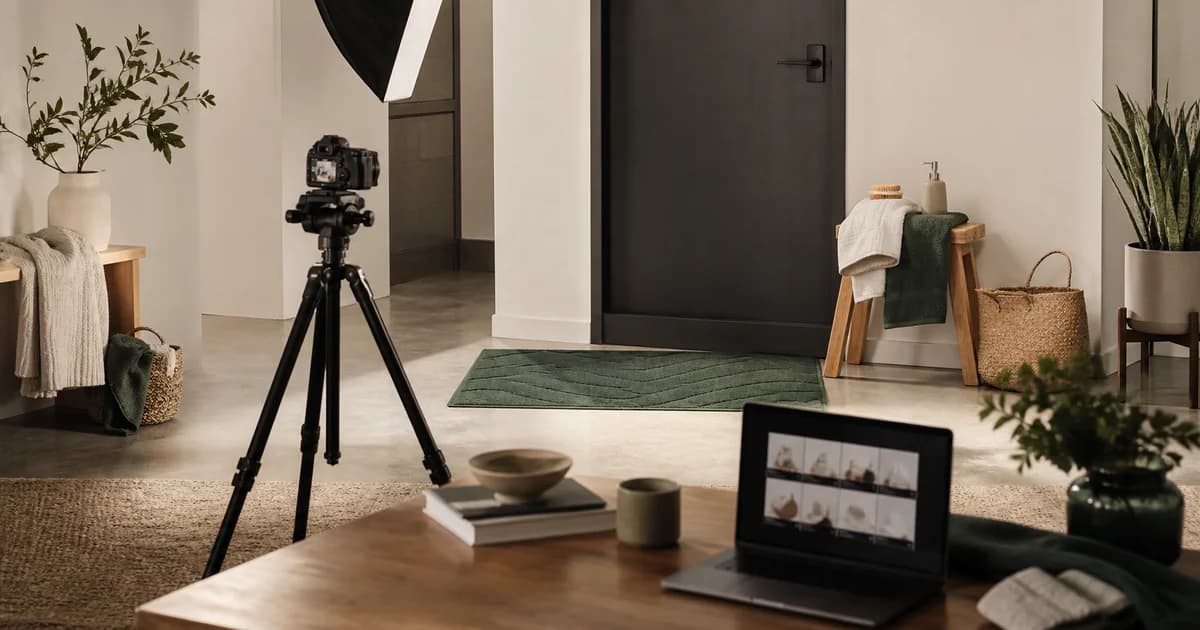
The job of a mockup is not to make a design look impressive at any cost. It is to help a shopper predict what the product will look and feel like in real life.
Give every image one job
- Hero: identify the product and design instantly
- Context: show the product in a believable room or use case
- Scale: include furniture, a person or clear dimensions
- Detail: reveal texture, pile, edge and print behavior
- Options: compare sizes or variants without ambiguity
- Trust: explain made-to-order production, care or packaging
Preserve physical truth
Do not stretch artwork around edges that cannot be printed, invent thickness, hide seams or make a small product dominate a large room. If a generated lifestyle scene changes the design geometry, correct or reject it.
Design the mobile sequence
Most shoppers first see a small crop. Test every thumbnail at phone width. The first image needs a simple silhouette and strong contrast; later images can carry details. Keep important content away from marketplace crop zones.
Match visuals to objections
Review customer questions and low-star comments in the category. If shoppers worry about slipping, thickness, washing or color, show the relevant physical evidence instead of adding decorative scenes.
Run a consistency audit
- The same artwork version appears in every frame
- Color temperature does not change dramatically
- Product proportions stay consistent
- Props support the target customer and occasion
- No competitor logos or misleading accessories appear
- Alt text describes the image rather than stuffing keywords
A strong image set reduces uncertainty in a deliberate order: identify, contextualize, prove scale, show detail and answer objections.